$ ./e-rechnung live
Read and check XRechnung and ZUGFeRD e-invoices
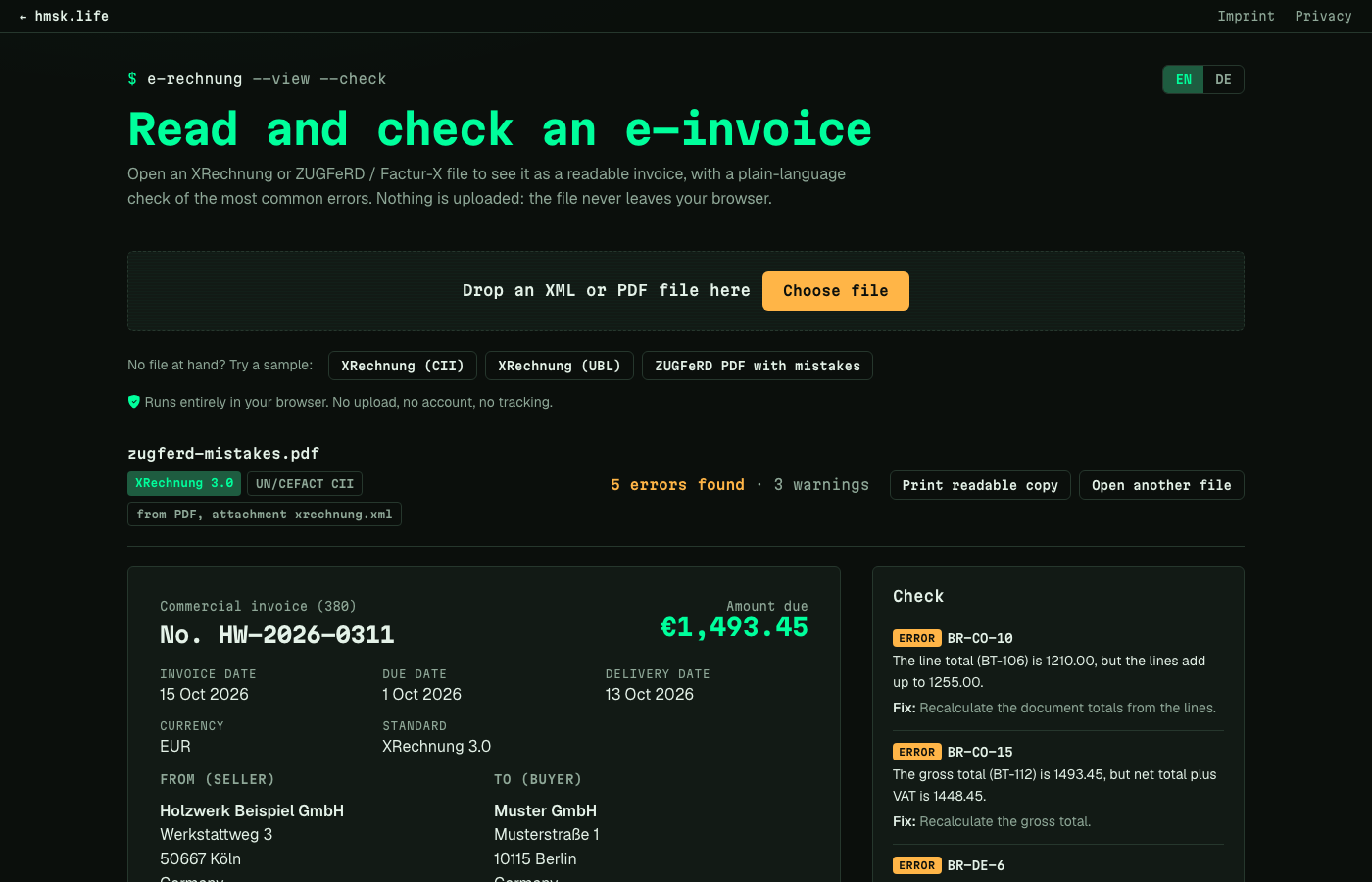
For businesses in Germany that receive e-invoices. Drop in the XML or the ZUGFeRD PDF, see seller, items, VAT and bank details as a normal invoice, and get a list of errors with what to fix. Everything runs in your browser; the file is not uploaded.
$ cat features.md
- Opens XRechnung in both syntaxes (UN/CEFACT CII and UBL, invoices and credit notes) and pulls the embedded XML out of ZUGFeRD and Factur-X PDFs.
- Shows seller, buyer, Leitweg-ID, line items with unit names, the VAT breakdown with each category explained (for example AE reverse charge, K intra-EU supply), totals and the IBAN formatted for paying.
- Checks a subset of the EN 16931 and XRechnung 3.0 rules: required fields, line and total sums, VAT category rules, seller contact, buyer reference, payment details.
- Extra checks for IBAN, German VAT ID and Leitweg-ID check digits, line arithmetic and dates, each finding explained in English or German with what to fix.
- Print view for a clean, readable copy to file with the original XML.
- Three sample files, one with deliberate mistakes, show a result in one click.
$ cat why.md
Since 1 January 2025 every business in Germany has to accept e-invoices, and what arrives is an XML file that you cannot read without special software. I wanted to open one, see what it says and know whether it is correct before booking or paying it. This is a quick check, not the official KoSIT validator, and it says so on every result. It is the receiving side of my Invoice tool, which creates XRechnung files.
$ self-host-it
- Requirements
- Static files only: open index.html or put the public folder on any web server. No build step, no dependencies.
- Built with
- HTML, JavaScript (no dependencies)
- License
- MIT